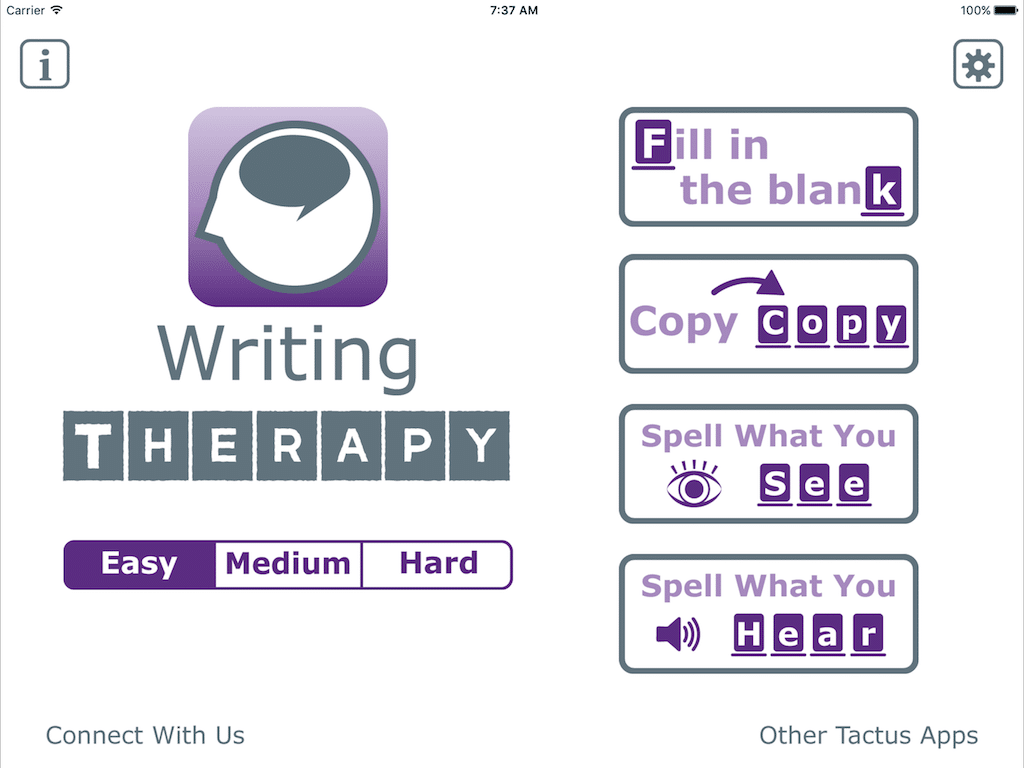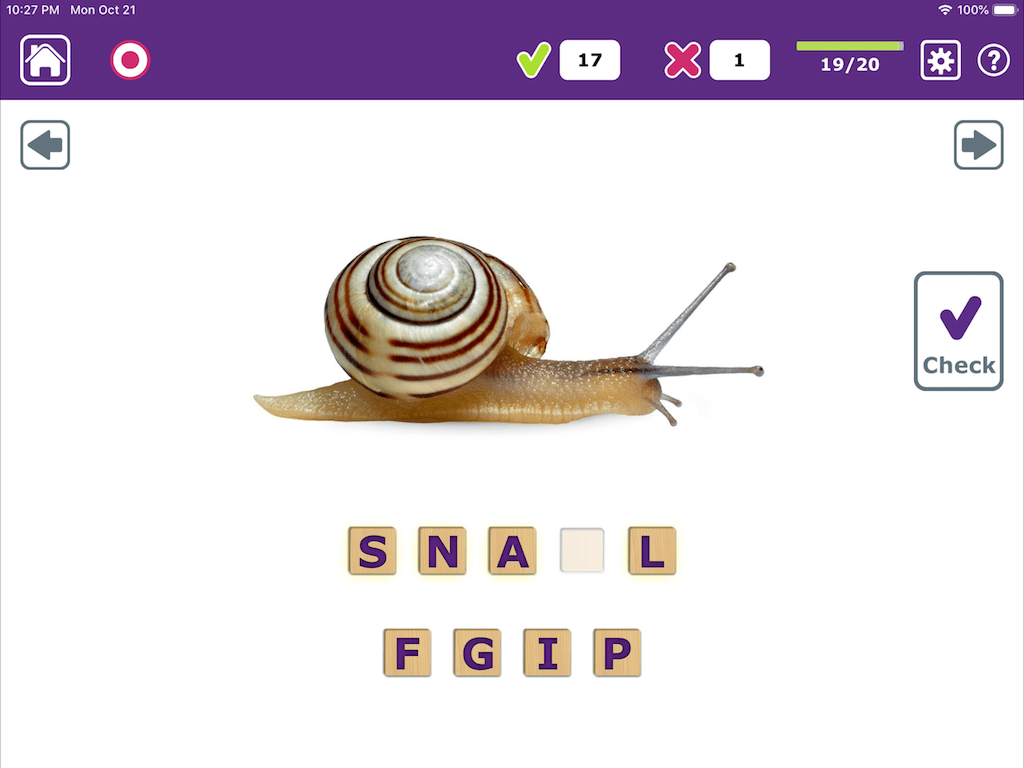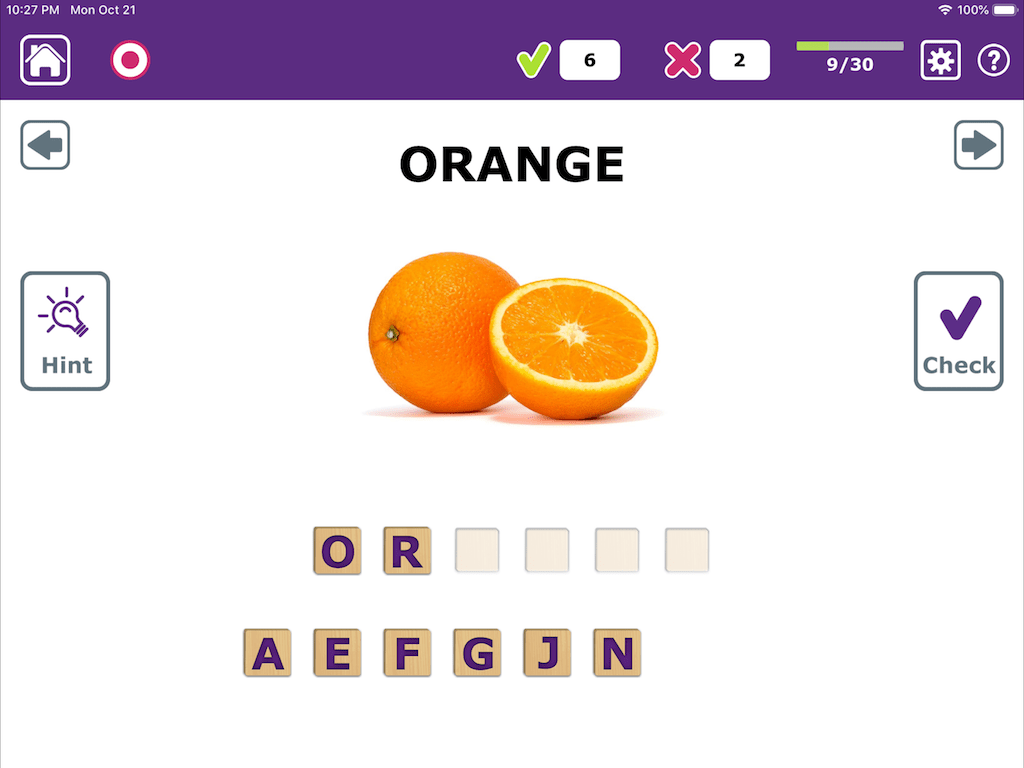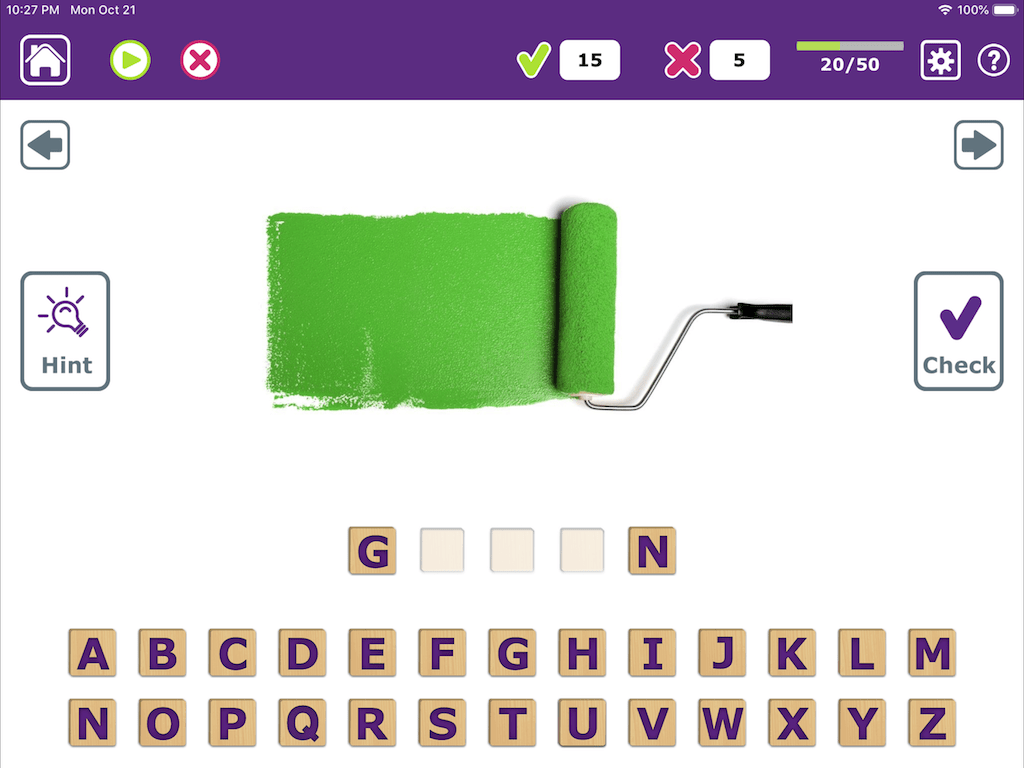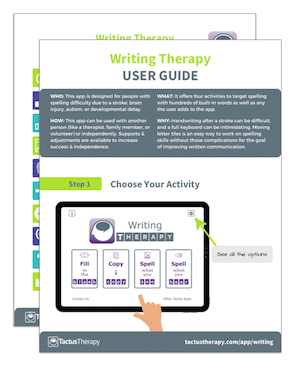
Writing TherAppy provides clinicians and clients with over 500 words and unlimited custom words to practice spelling using 4 different exercises with 3 levels of difficulty. Using familiar letter tiles, users are able to rearrange letters until they are ready to check their answer after selecting from a limited choice or full alphabet. With hints available at every level, clients can practice independently and achieve success. Fill-in-the-blank, copying, written naming, and writing to dictation are all included in this literacy app available in UK and US English.
Writing TherAppy is 1 of 4 apps bundled together in Language TherAppy; try it for FREE by downloading Language TherAppy Lite!
The Basics:
Platforms: Ideal for iPad, also works on iPhone & iPod touch
Goal Areas: Written Expression, Spelling, Written Naming, Writing to Dictation, Copying
Helps: Expressive Aphasia, Agraphia, Alzheimer’s Disease, Dementia, Cognitive-Communication Impairment, Brain Injury, Early Language Learners, Language Learning Disability, English as a Second Language Learners
Vocabulary: 500+ Nouns + Unlimited Custom Words
Languages: English (US), English (UK)
Version: 1.04
Price: $19.99

4 Activities:
-
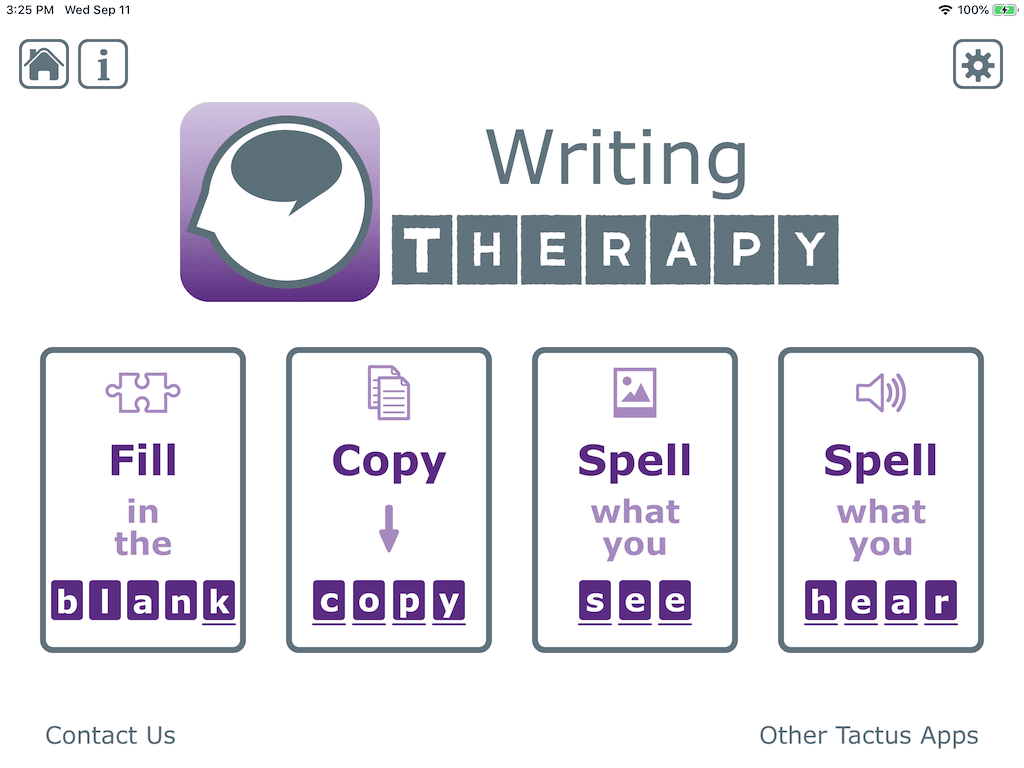
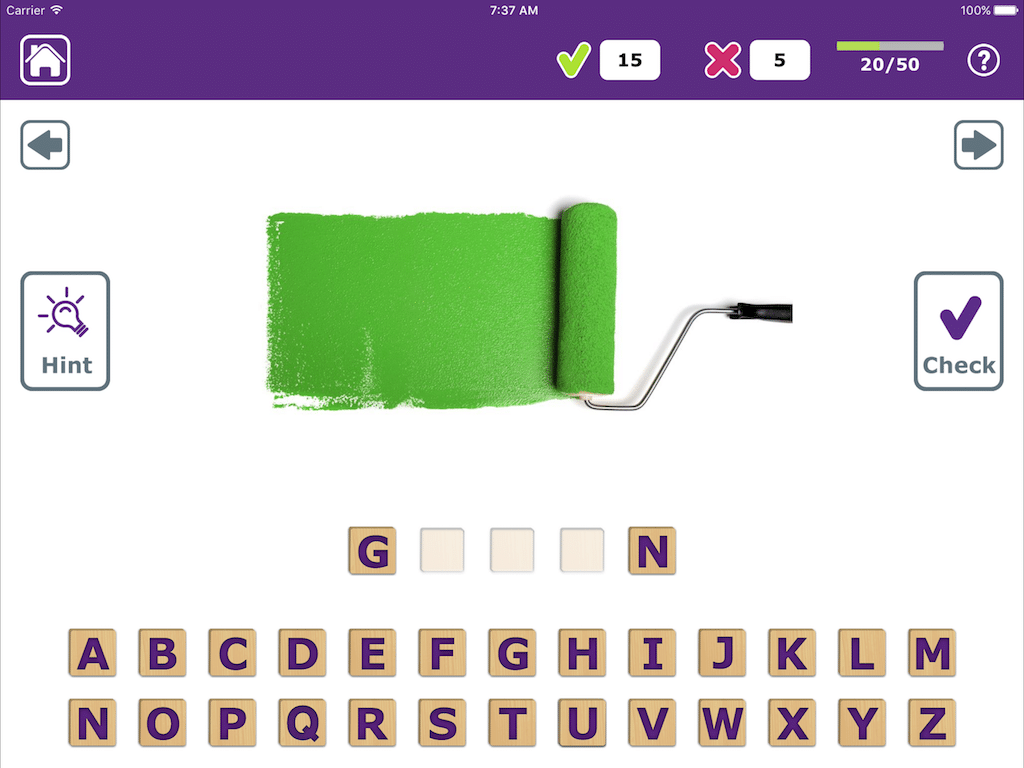
Fill-in-the-Blank: find 1 or 2 missing letters in the word
-
Copy: assemble the word with a written model
-
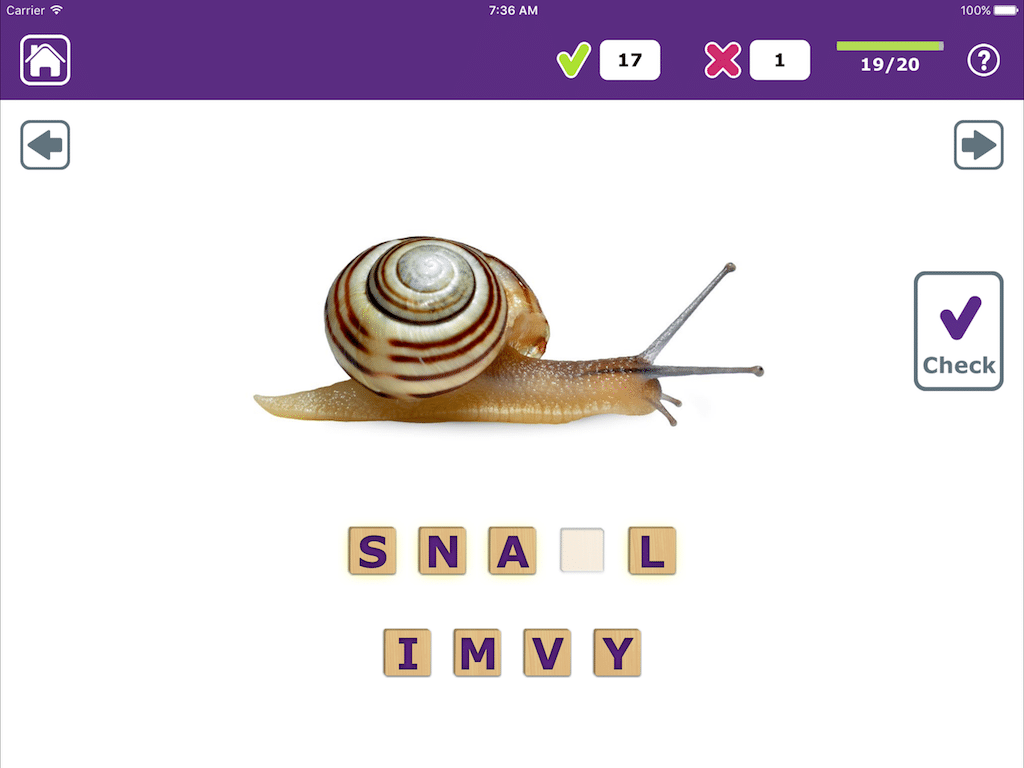
Spell What You See: written naming exercises
-
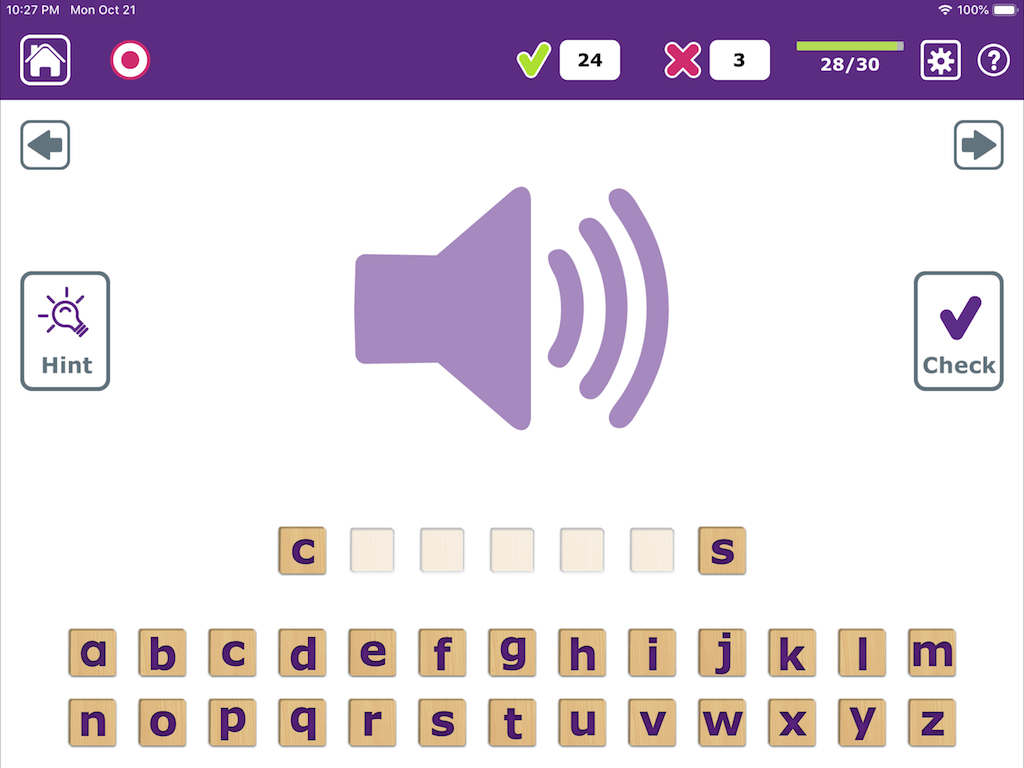
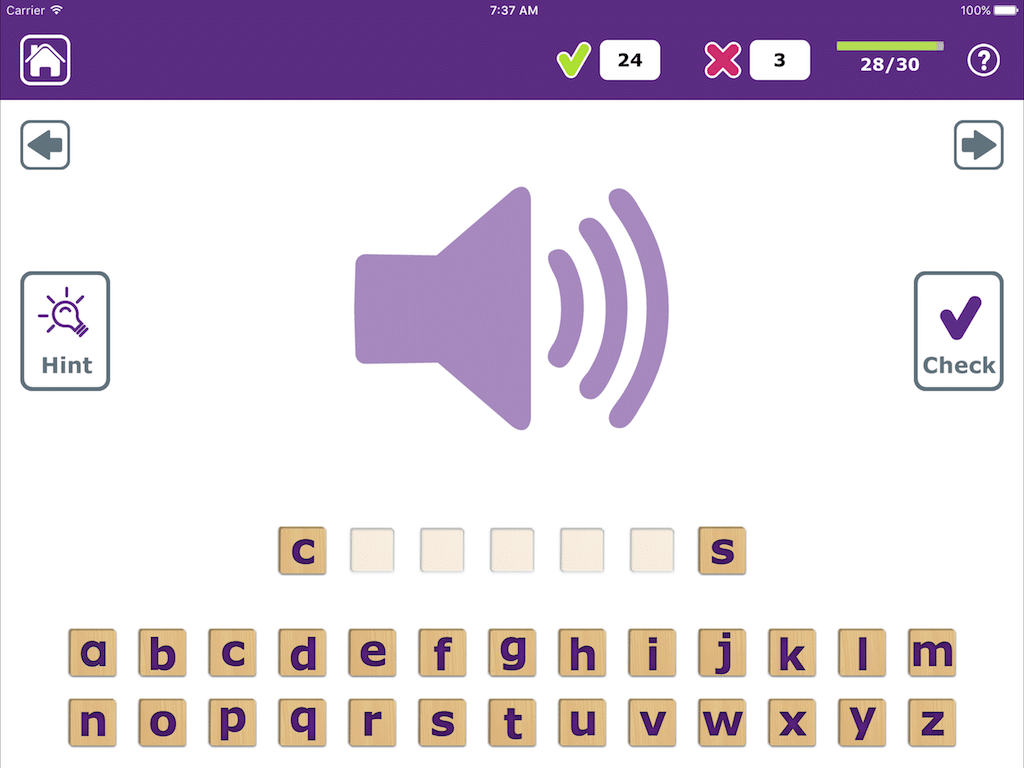
Spell What You Hear: writing to dictation exercises
3 Levels of Difficulty:
-
Easy: only the letters you need or choice of 4
-
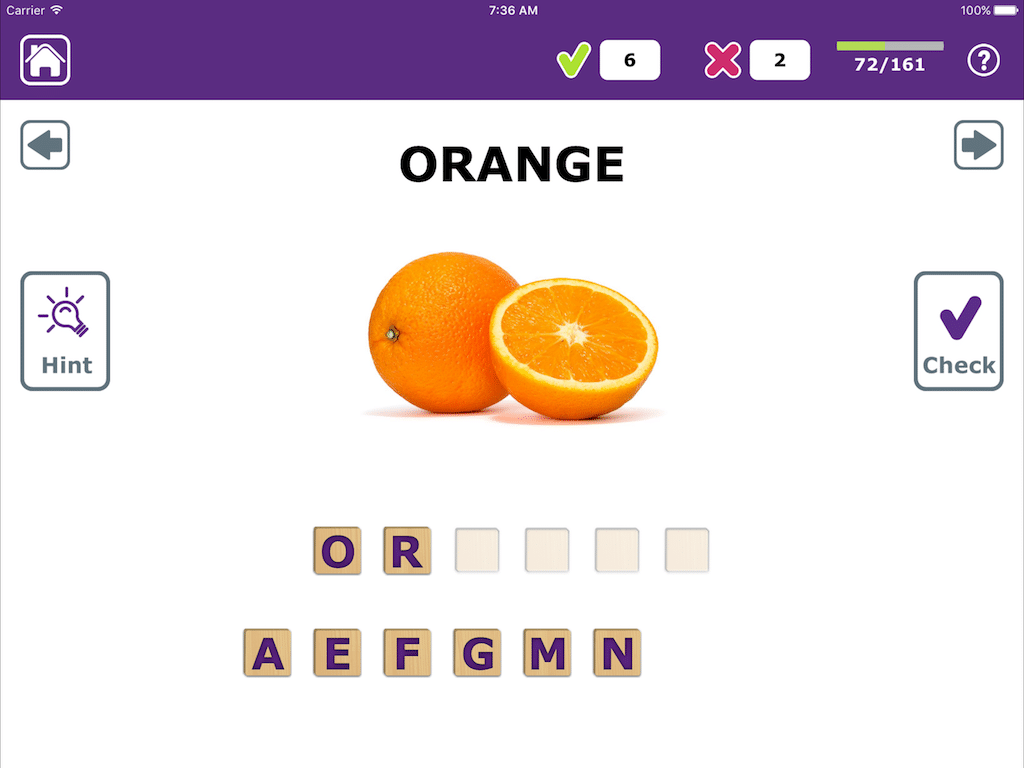
Medium: a few extra letters add difficulty
-
Hard: the full alphabet is given to complete the task
-
The HINT button takes you down 1 level at a time


Full Customization:
-
Add all your own pictures, text, and sounds
-
Create your own lists – one for each student, client, or spelling unit
-
Turn all included stimuli on or off
-
Limit words by length for included and added stimuli
Independent Use:
-
Keep trying until you get it right with automated scoring and built-in cues
-
Skip ahead if you don’t want to complete any word
-
The CHECK button allows you to self-monitor and self-correct
-
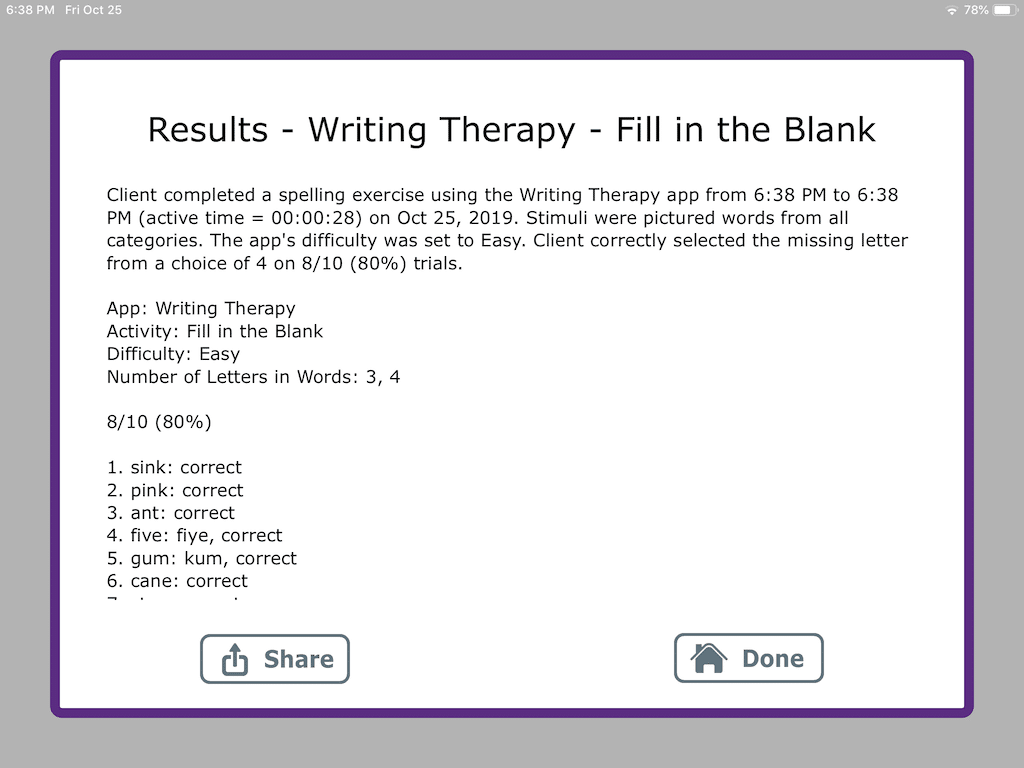
E-mail results to yourself, a therapist, teacher, or family member


Settings Galore:
-
Tap or drag the letters into place
-
Uppercase or lowercase letters
-
Limit word length between 3-9 letters
-
Child-friendly mode disables links and removes adult images
Other Features:
-
Single touch is the only gesture required
-
Distraction-free and intuitive design makes it easy to use
-
North American or UK English accent and vocabulary
-
Over 500 beautiful images with recorded voice in 12 categories

Video Demonstration of Writing TherAppy:
Praise for Writing TherAppy:
“Each app by Tactus Therapy exudes just what amount of thoughtful planning & consideration that went into it. We have yet to see another app that compels a client to strategize as to when to use Hints in the midst of foils, makes him spontaneously watch out for his own mistakes before tapping Check, and bring his focused attention to the word being dictated or the picture being shown that one can almost see his brain max out his letter-to-sound rules in order to spell as correctly as he can. It was hard not to keep on smiling as we watched Writing TherAppy being used exactly how it was designed to be used by our clients.” -iSPeakApp.com
★★★★★ I really like that this app can be used by both children and adults. I love the great real-life photographs used instead of cartoon pictures or line drawings. The functional, categorized vocabulary you use in your apps is appreciated!! I especially like the feature allowing older students/clients the opportunity to analyze their responses prior to submitted them. This app has great control over the length of the words selected, the voice quality is good, and clinicians will appreciate the data reporting! Great job! -iTunes Review
“When recently using this app with a 70-year old patient she exclaimed “I really like this!” with a big smile across her face. After working on so many take home spelling worksheets, she found the interactive and colourful program a nice change. I love that this app has the check button. This allows users to monitor their own progress but still receive corrective feedback. It’s great for use both in the clinic and for users who have access to the technology at home.” -TherapyApp411.com
★★★★★ Beautifully done! This is a very great app intended to help users learn to spell words. It has a very simple interface but excels at it’s intended purpose. A child or an adult can use this; the very nice part is that it isn’t childish as many learn to spell apps are, which I absolutely love. My favorite part is the fact that words can actually be misspelled which allows the user to decide for themselves if it is correct or not BEFORE hitting the check button. So the target word is actually learned rather than just swiping letters until they all go into the correct slot. Love this app! -iTunes Review
“Recently, I found a spelling app that will help my 5-year-old progress from his cutesy beginner spelling apps to handling future spelling dictations in a school setting. After exploring it, I realized that it was just what I needed and more: 12 learning activities that will grow with my son’s needs. What I like best about this app is a built-in step that encourages students to do self-checking before tapping on the ‘Check’ button to submit their answers. I can’t stress enough how important this skill is for any independent learner. My son was able to focus, select his choice of letter, sound out the word he formed and reselect the letters if necessary until he was satisfied with his answer. Thanks to this feature, he could correctly spell most of the 47 3-letter words under the Fill-in-the-Blank mode in 1 session. How great is that! Writing TherAppy will work very well for any child learning to spell.” -theiMum.com
★★★★★ Great app, highly engaging! I used this app with two of my aphasia clients. Both found it engaging and wanted to continue to use the app throughout their session. I like the different levels of difficulty and the hints (which both of my clients appreciated as well). Great app! -iTunes Review

Connect With Us